
Will a Smartwatch Reliably Detect Falls for an Older Adult?
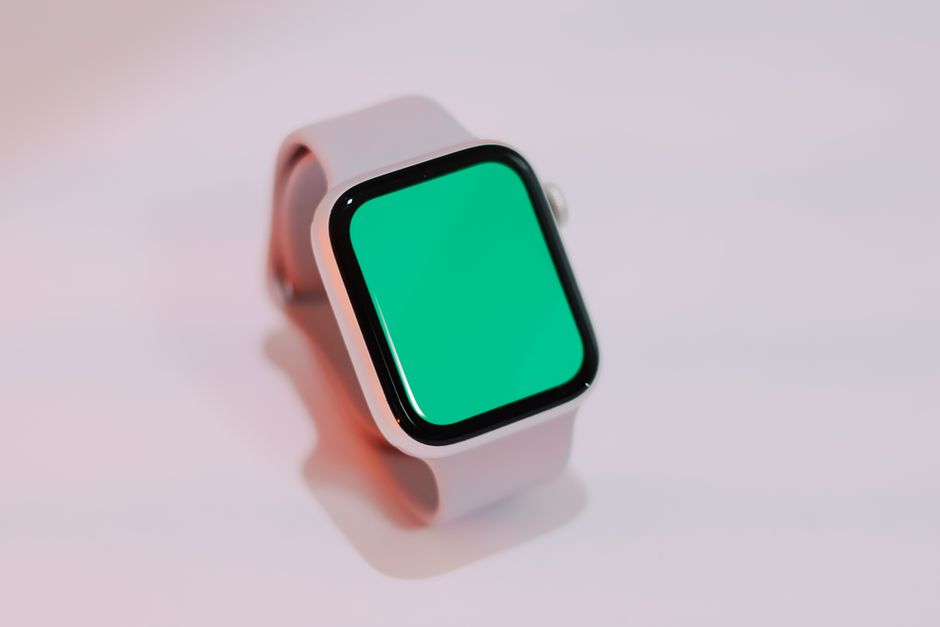
A smartwatch can add a route to help, but it cannot guarantee that a fall will be detected or that an alert will reach someone. Studies show a gap between controlled testing and real-world use, where false alarms and time spent without the device can undermine coverage. Choose a watch only if its charging routine, fit, connection, and alert steps suit the wearer’s habits.
Will a smartwatch reliably detect a fall if an older adult lives alone?
No smartwatch can be treated as a guaranteed fall detector, especially for someone who lives alone. It can provide a useful alert path, but that path depends on the watch sensing the event, the wearer not dismissing the alert, and a working connection to the people or services who can respond.
The difference between a test and daily life matters. In a blinded study of 22 healthy adults and 226 induced falls, an app studied in JMIR Formative Research had 77% sensitivity, 99% specificity, a 1.7% false-positive rate, and a 16.4% false-negative rate. The researchers also found that falls were more likely to be detected when they were toward the same side as the wrist wearing the watch. These were induced falls in healthy adults, not a test of everyday reliability for older people living alone.
Real-world results can look different. In a four-month pilot with 18 community-dwelling older adults, a study published in the Journal of the American Geriatrics Society recorded 84 device alarms: 83 were false alarms and one true fall was detected. Participants also reported eight falls while not wearing the device. Half occurred while it was charging, early in the morning, or at night. The pilot involved one device and a small group, so it does not predict every watch’s performance. It does show why wearing time belongs in the reliability question.
Check what happens after detection, too. Apple says that after a hard fall, Apple Watch alerts the wearer. If it detects immobility for about one minute, it starts a 30-second countdown before trying to contact emergency services. After the call, it can message emergency contacts with the wearer’s location, using contacts in Medical ID. Apple also warns that the watch cannot detect every fall and that high-impact activity can trigger an alert.
Connection is part of the chain. Apple says Fall Detection needs a cellular, satellite, or Wi-Fi-calling connection through the watch or a nearby iPhone. Confirm the exact model’s requirements and who receives an alert before relying on the feature. A watch is one part of a safety plan, not a substitute for addressing household risks; changes to the home layout can matter too, as discussed in this guide to one-level living.
What should I do if a senior keeps taking off or forgetting to charge their watch?
Start with the reason the watch comes off, then make the routine simpler. A device left on a bedside table cannot detect a fall at that moment. The real-world pilot’s reports of falls during charging, early mornings, and nights show how gaps can cluster around ordinary routines.
Ask whether the watch feels uncomfortable, is hard to read, or interrupts daily tasks. Try a fit the wearer accepts and settings they can manage. Keep charging tied to a predictable part of the day, and choose a time that does not overlap with periods when the wearer is most likely to need coverage. The right routine is the one the person will follow.
Battery estimates vary by model and settings. Fitbit lists Sense and Versa models at 6 or more days, and several Charge and Inspire models at up to 7–10 days. Always-on display can lower estimates for some models to 2–3 days; continuous built-in GPS can lower listed models to about 5–12 hours. Fitbit says actual battery life varies with use and settings, and recommends reducing features such as always-on display, GPS, and unnecessary notifications to extend it.
Those figures are estimates, not a promise for an individual wearer. Compare the model’s expected battery life with how often the wearer can charge it and whether someone can help if needed. A longer interval between charges can reduce the number of charging gaps, while settings that drain the battery can bring those gaps closer together.
Keep the setup useful, not noisy. Review which notifications are necessary and confirm the SOS or emergency-contact steps in the manufacturer’s instructions. If the watch is hard to operate, simplify its display and controls where settings allow. A feature that is enabled but confusing is not dependable in practice.
How often do fall-detection watches send false alarms?
There is no single false-alarm rate that applies to every smartwatch. In the JMIR study of induced falls, the tested app’s false-positive rate was 1.7%. In the small four-month older-adult pilot, 83 of 84 alarms were false. The findings measure different devices and settings, so neither number should be presented as a universal rate.
False alarms have a practical cost: they can interrupt the wearer and prompt calls to contacts or emergency services. At the same time, a low false-alarm rate does not mean every real fall will be caught. The JMIR study reported a 16.4% false-negative rate, and its results came from induced falls among healthy adults. Accuracy depends on what was tested and how closely that setting matches the wearer’s life.
Apple notes that high-impact activity can trigger Fall Detection, while some falls will not be detected. Learn whether the wearer can cancel an alert, how much time the device gives, and what happens if they do not respond. Apple’s described sequence includes an alert to the wearer, about one minute of detected immobility, and then a 30-second countdown before an emergency call attempt.
Use a short checklist before making the watch part of a care plan:
- Confirm which connection the model needs to place a call.
- Set up the intended emergency contacts and check their details.
- Learn the wearer’s cancellation steps and the automatic escalation sequence.
- Check whether the watch is comfortable enough to stay on and whether charging leaves predictable gaps.
- Review alert and accessibility settings with the wearer.
Then judge the device by daily use, not its feature list. The Centers for Disease Control and Prevention says more than one in four adults aged 65 and older falls each year. The CDC also identifies vision problems, balance and walking difficulties, some medications, and home hazards among factors associated with higher fall risk. A watch can address one part of the response; it does not remove those risks or ensure that help arrives.
Frequently Asked Questions
Does a senior smartwatch need a phone nearby to call for help?
It depends on the watch and its connection. Apple says Fall Detection needs a cellular, satellite, or Wi-Fi-calling connection available through the watch or a nearby iPhone. Check the exact model and service setup rather than assuming the watch can call on its own.
What features matter most if my parent has memory or vision problems?
Prioritize a watch the wearer can keep on, charge, and use with little effort. For vision access, Apple Watch offers VoiceOver, Zoom, larger text, Bold Text, On/Off Labels, and an X-Large watch face. Try the controls and settings with the wearer before relying on them.
How can I set up a senior’s watch so emergency alerts reach family members?
Add the intended family members to the watch’s emergency-contact settings and confirm the contact details and location-sharing behavior. Apple says its Fall Detection follow-up messages use contacts listed in the wearer’s Medical ID. Test the setup according to the manufacturer’s instructions and confirm that the watch has a working connection.
Sources
- JMIR Formative Research — Effectiveness of a Smartwatch App in Detecting Induced Falls
- Journal of the American Geriatrics Society / National Library of Medicine — Real World Accuracy and Use of a Wearable Fall Detection Device by Older Adults
- Apple Support — Use Fall Detection with Apple Watch
- Fitbit Help Center — Can I extend my Fitbit device's battery life?
- Apple Support — Accessibility features on Apple Watch
- Centers for Disease Control and Prevention — Facts About Falls
Related reading
Should You Buy a Phone Now or Wait for 2026 Releases?
Compare your phone’s condition, 2026 launch timing, and potential savings to decide whether to buy now or wait.
Choose a Remote Camera System That Fits Your Site
Compare cellular, point-to-point, and local-recording cameras for remote sites, with guidance on signal, data plans, and winter solar power.
Why Does My Matter-over-Thread Device Go Offline After Pairing?
Diagnose Matter-over-Thread devices that pair but go offline, from border-router support to IPv6, discovery, interference, and app compatibility.
Why Is My Laptop Battery Draining While It’s Connected to a USB-C Dock?
Learn why a laptop can drain or throttle on a USB-C dock and how to check the dock, charger, cable, and laptop power limits.